Use the guides with your printer documentation
These guides explain the selection process. Always confirm the actual printer specification and the candidate ribbon datasheet before placing an order.
From a question to a specification
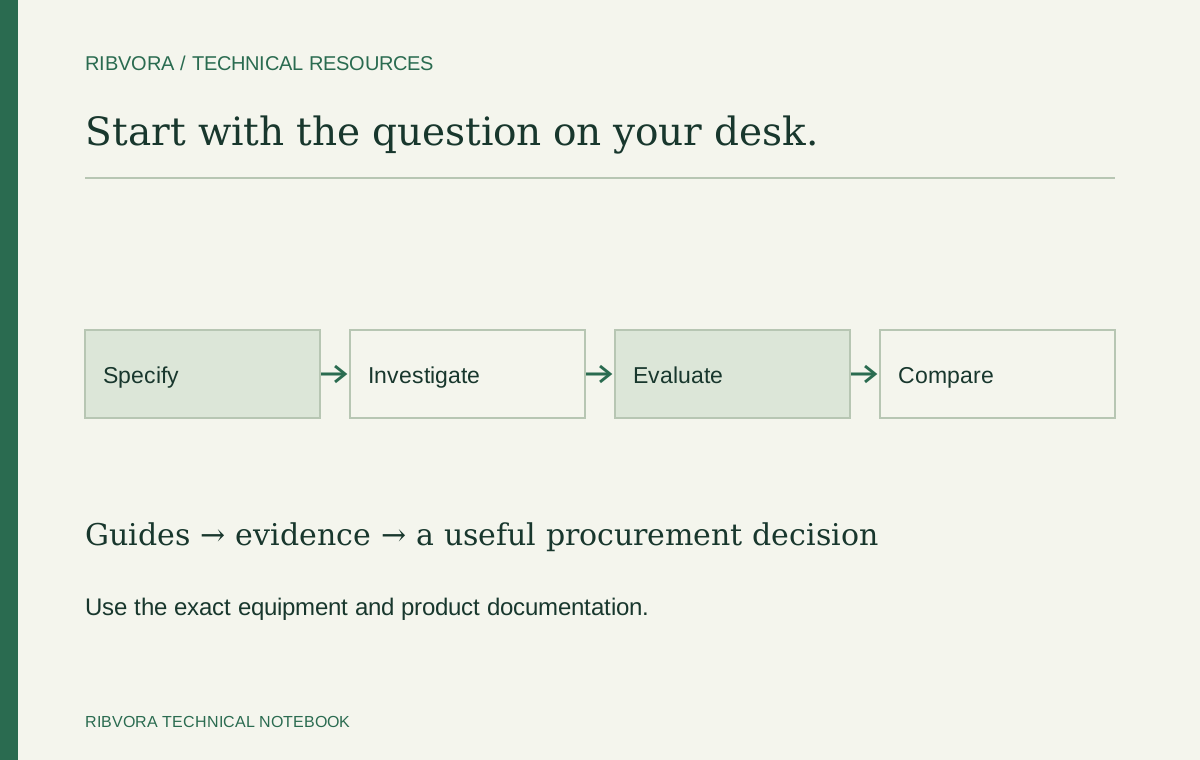
If you know the application but not every roll detail, the specification finder helps capture what is known and what still needs confirmation.
First decide which question you are trying to answer
A missing specification, a print defect and a price comparison need different starting information. Choose a guide by the decision in front of you rather than reading every article before sending an enquiry.
For an unknown roll configuration
Use the core-and-winding guide with the printer documentation. Photograph both core ends and the current roll label. Record dimensions with units and keep unsupported assumptions marked as unknown.
For PET or PP label selection
Open the material guide and collect the exact stock reference and coating. The polymer name alone is not an approval. Use actual production stock for the candidate trial.
For a smearing or faint-print problem
Use the troubleshooting guide to record when the defect appears and what changed. Keep a failed sample and the current settings. Follow the equipment guidance before changing loading or mechanical adjustments.
For a supplier comparison
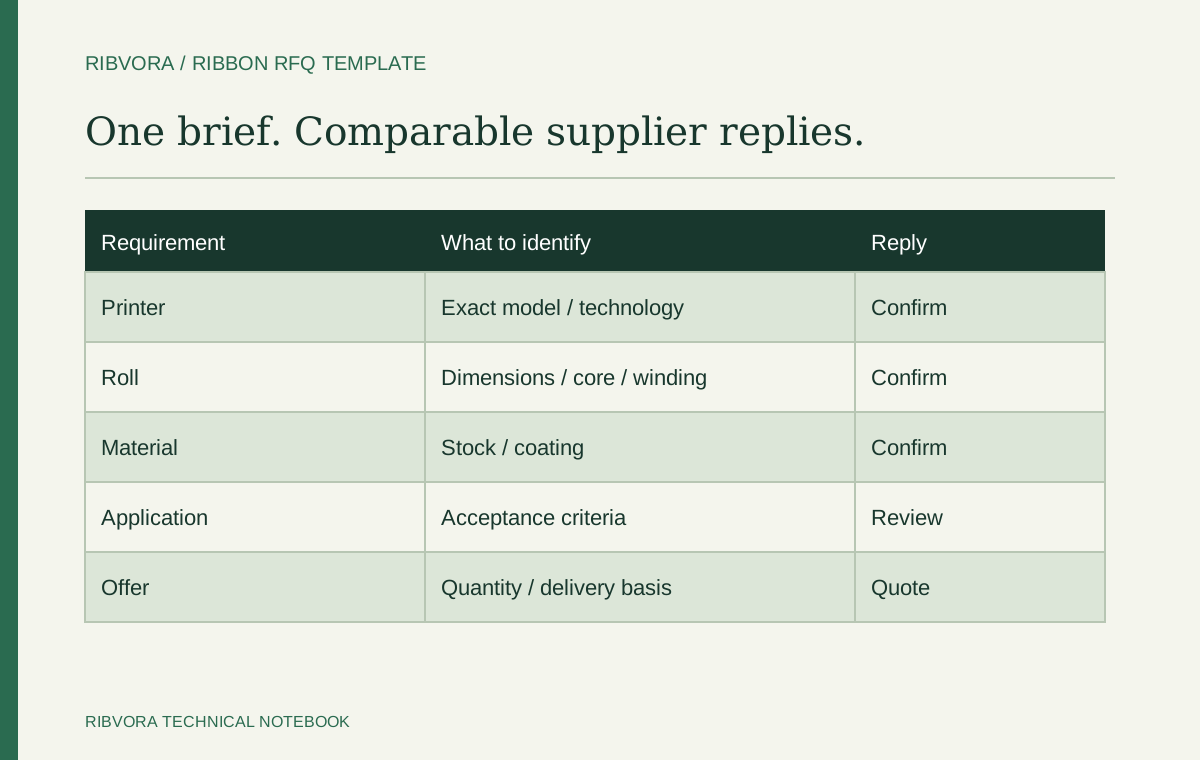
Use the RFQ template to keep the technical and commercial basis consistent. Identify deviations in the replies before comparing totals. A supplier brochure is not the same as a quote for the evaluated configuration.
For a sample release decision
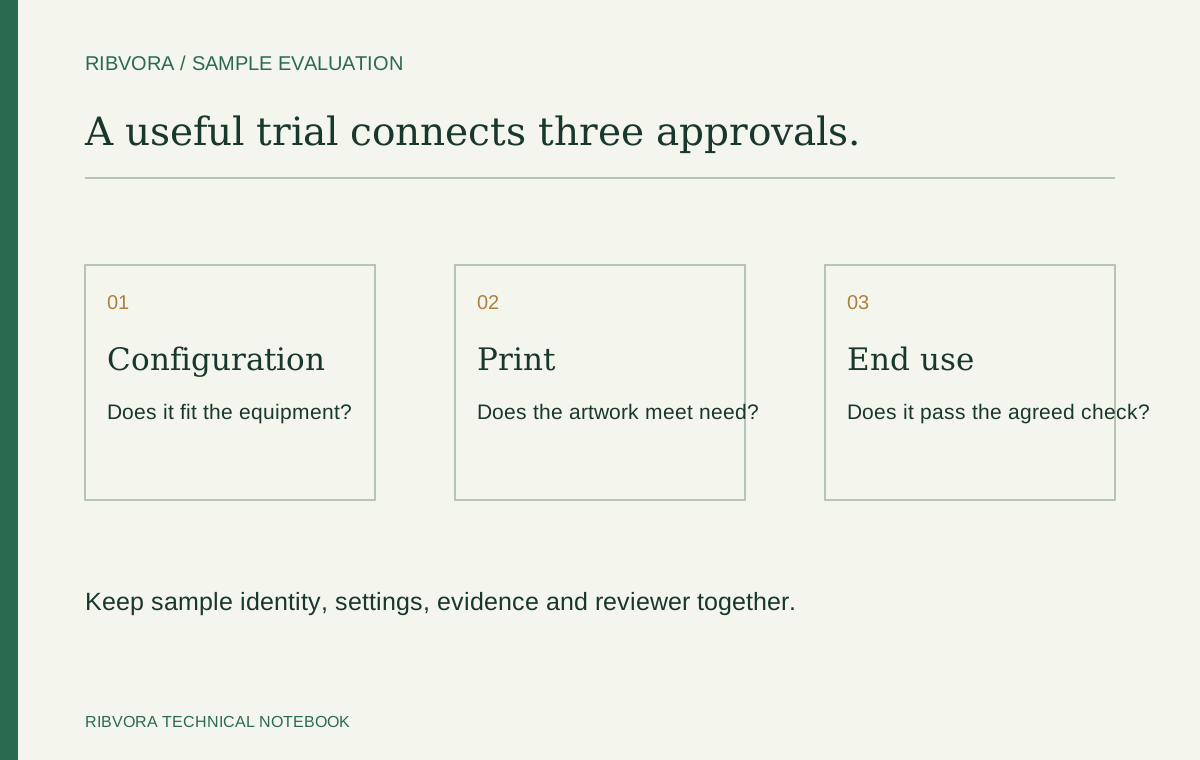
Use the approval worksheet to connect the trial setup, exposure checks and reviewer. A scan and a formal verification result answer different questions. Apply the method required by your actual marking specification.
For a cost-per-label question
Use the full-roll calculator only when the entered cost and accepted output share that boundary. The detailed guide explains what to do with setup loss, rejects and partial-roll trials.
For warehouse and replenishment questions
Obtain the exact formulation’s storage instructions and recommended use period. Connect the guidance to the stock offered and expected consumption. Do not copy a shelf-life number from another product.
For a private-label handover
Prepare the product reference and pack information before final artwork. Keep brand presentation, technical approval and commercial order terms as separate records that point to the same configuration.
When the published guide does not settle the question
Send a focused enquiry with the available evidence. Explain what is known, what fails and what decision you need to make. We can review the information needed for a candidate discussion; no guide replaces application testing.