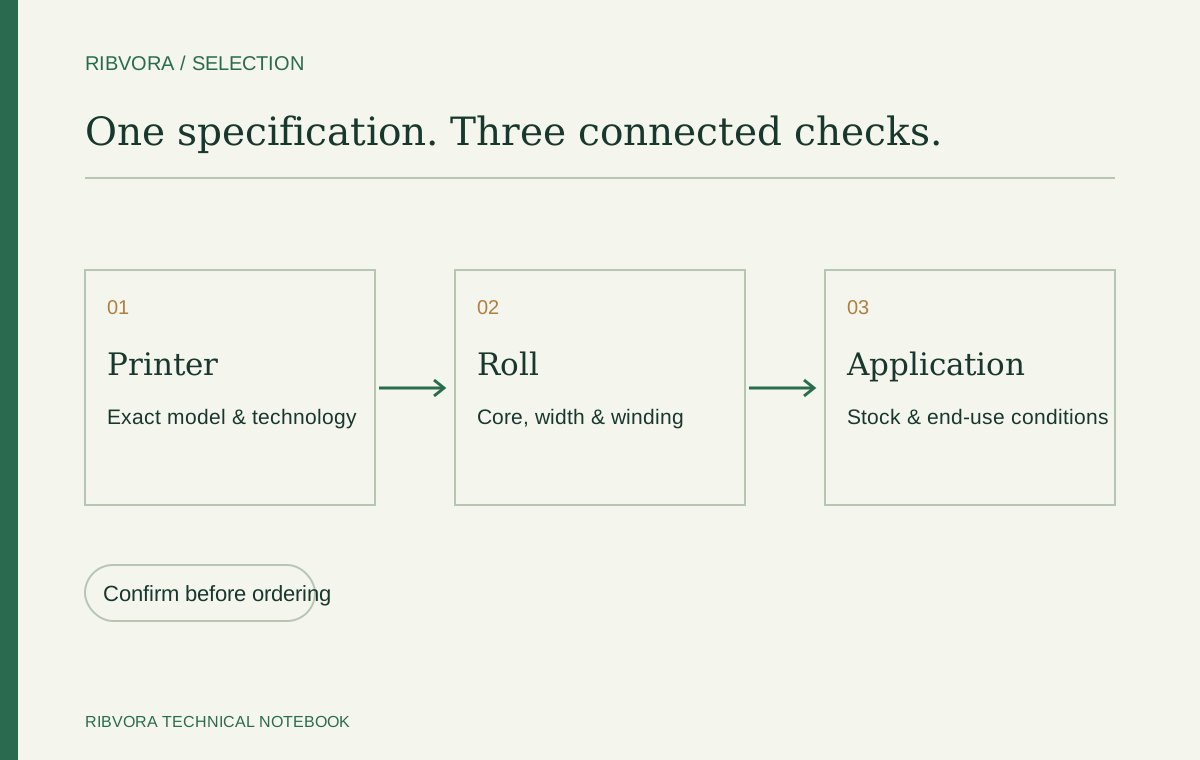
First confirm thermal transfer printing, then record the printer model, roll dimensions, core, winding, label stock and required end-use performance. Add order quantity and destination so the technical and commercial brief describe the same project.
Confirm that the printer uses ribbon
Thermal transfer printing requires a ribbon. Direct thermal printing uses heat-sensitive media and does not. Check the printer manual and print mode before collecting roll dimensions.
Identify the exact printer configuration
Record the model and resolution. Confirm flat-head or near-edge / corner-edge technology where relevant. Even when two rolls fit mechanically, the coating may not be intended for the same printing technology.
Describe the complete roll
Width and length are essential but incomplete. Include core inside diameter, core length, notches, maximum outside diameter and ink-side orientation. Use an existing approved specification or printer documentation.
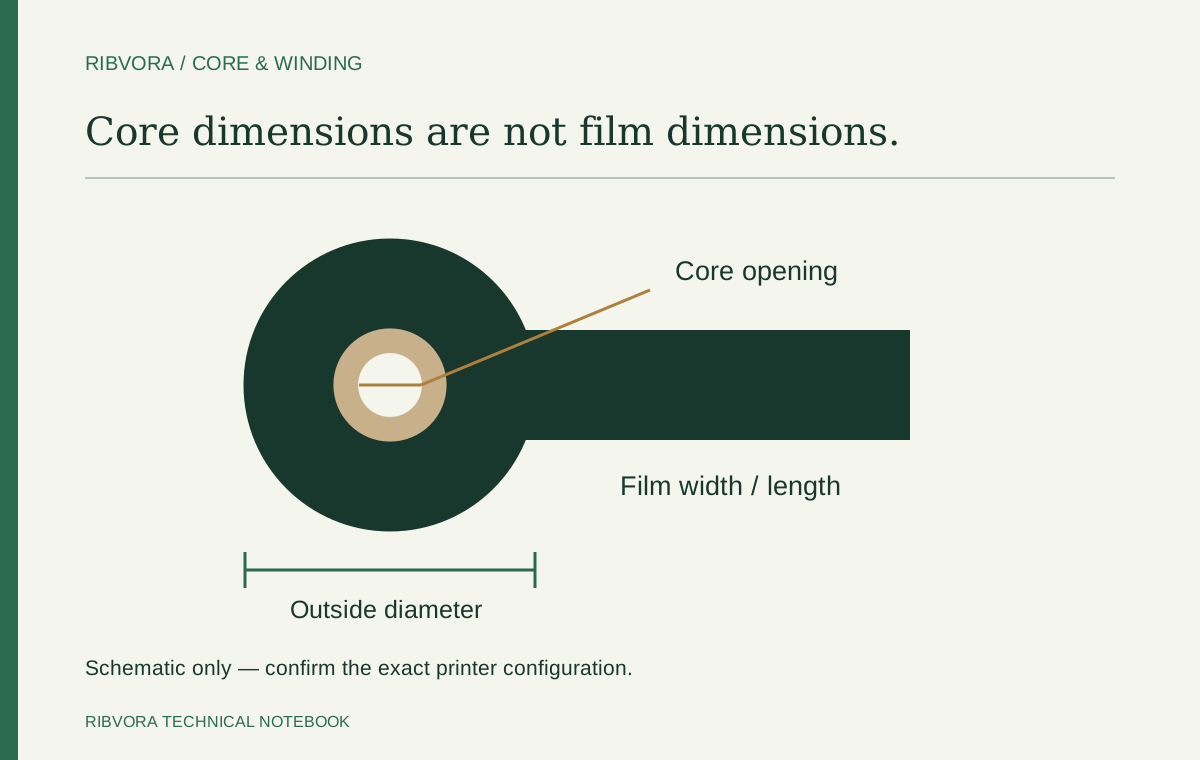
- Width × length, with units
- Core inside diameter and core length
- Ink side in or out
- Any special leader, trailer or core requirement
Identify the label material
Record the stock manufacturer and product reference, including top coating and finish. PET, PP or coated paper describes a broad material group, not a guaranteed ribbon match.
Define the required performance
Describe normal handling and any exposure. If a resistance requirement matters, define the test method and acceptance criteria. Specify any certification-dependent application up front.
Make the commercial brief usable
Add order quantity, estimated recurring demand, packaging and delivery destination. Quote comparisons should use the same specification, units, quantity and shipping basis.
A quotation brief you can reuse
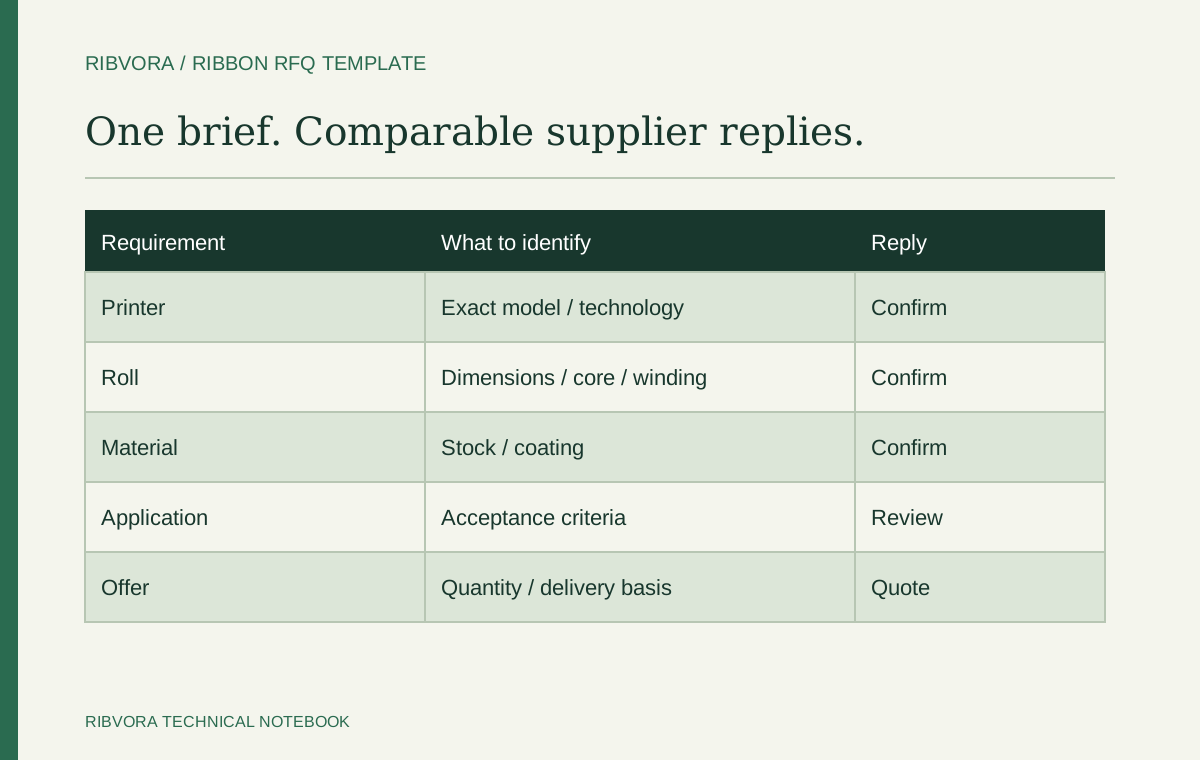
Give purchasing and technical reviewers the same one-page record. Mark unknowns clearly rather than guessing a dimension from a photograph. The supplier should confirm missing details before a bulk order is approved.
| Field to send | Useful evidence |
|---|---|
| Printer and print mode | Nameplate photo, model and manual reference |
| Current ribbon | Part number, pack label and measured configuration |
| Label stock | Supplier and exact material reference, including finish |
| Application | What must remain readable and for how long |
| Exposure | Named substances or handling steps with test conditions |
| Commercial scope | Rolls per specification, destination and packaging |
How to compare two proposed replacements
Ask whether both offers refer to the same supported printhead technology and roll configuration. A low quote with an unspecified length or different core is not a comparable offer.
Compare test results against your acceptance requirements. Candidate formulations may need different appropriate printer settings; record those settings rather than declaring one superior from an uncontrolled demonstration. Include the label material and artwork in the approval record.
What to ask before you approve a sample
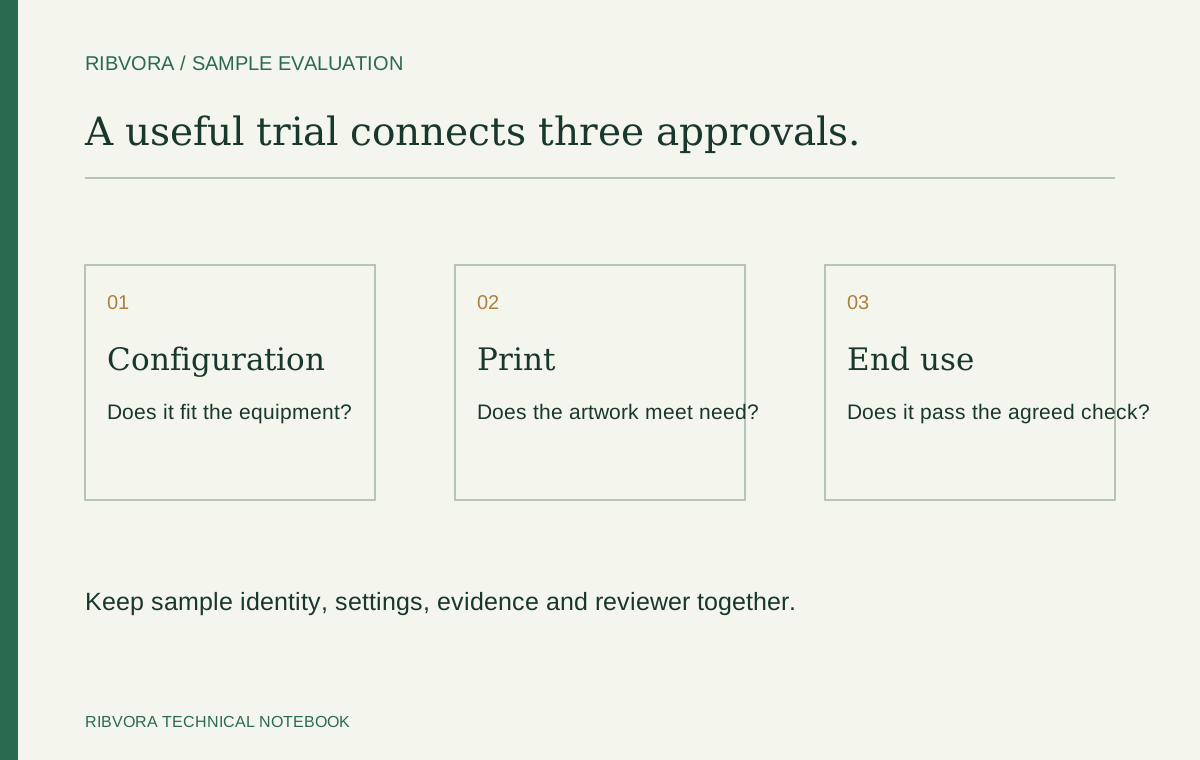
Confirm the sample reference, how it connects to the proposed production formulation, and whether it is intended to assess mechanical fit, print quality or a particular exposure. These are different questions.
When sending an enquiry, attach the current ribbon label or material sheet and identify the missing detail. This lets the next discussion focus on a specific decision instead of a general request for a catalogue.
A specification with unknown fields can still be useful
Consider a buyer with a known printer and stock reference but an unmarked winding direction. Send those known references and photos, leaving winding for confirmation. A candid gap is easier to resolve than a guessed orientation presented as fact.
Check the supplier’s reply against every field
Mark each requirement as confirmed, changed or unresolved. Ask for the named candidate and any deviation. A response that restates only width and length has not answered the full specification.
Use the brief as a revision-controlled record
Keep the agreed configuration with the sample approval and final quotation. If the printer, coating or roll changes later, identify the revision and reopen the affected checks. The downloadable RFQ template provides a place to retain those details.
Further reading & sources
These sources support general technical guidance. Product approval requires evidence for the exact formulation and application.