Let’s get the details right.
Build a brief for review. No account or contact details needed to explore.
Start with your print setup.
Unknown details are fine. You can provide a current ribbon reference or photo with your enquiry.
A brief, not a guess.
Use the tool to organize what is known. The candidate and application still need review.
What if I don’t know the dimensions?
Leave them blank and add your existing ribbon reference or a photo to the enquiry. Printer documentation is the best place to confirm the required configuration.
Does this tool approve compatibility?
No. It creates a specification brief. It does not issue a product recommendation or certification.
Are my answers saved?
Your brief stays in the page while you use the tool. It is sent to the server only if you complete and submit the enquiry form.
Build the brief with better evidence.
Confirm the print method first
Direct thermal uses heat-sensitive media without ribbon. Thermal transfer uses a separate ribbon. If the method is uncertain, check the exact model and print-mode documentation before collecting roll dimensions.
Record the complete printer identity
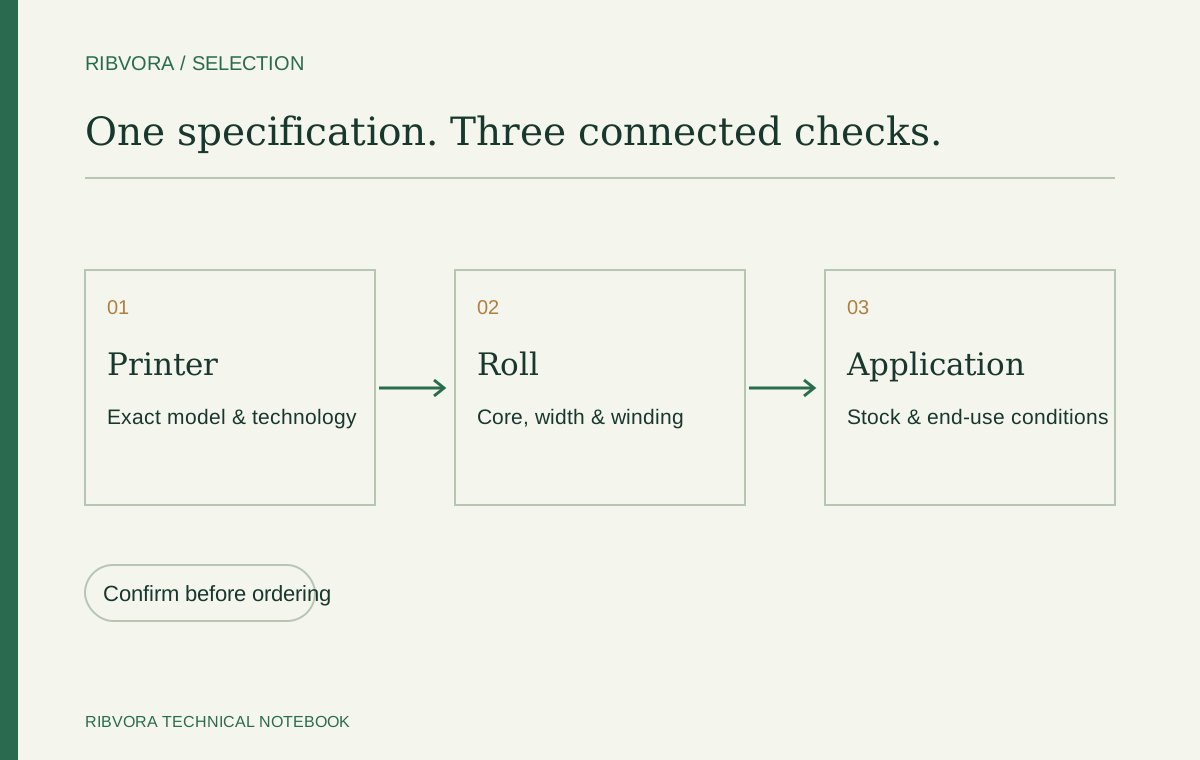
Include the model suffix and resolution where available. A brand name alone does not settle printhead technology or supported consumables. Use the equipment nameplate and manual.
Measure the film and the core separately
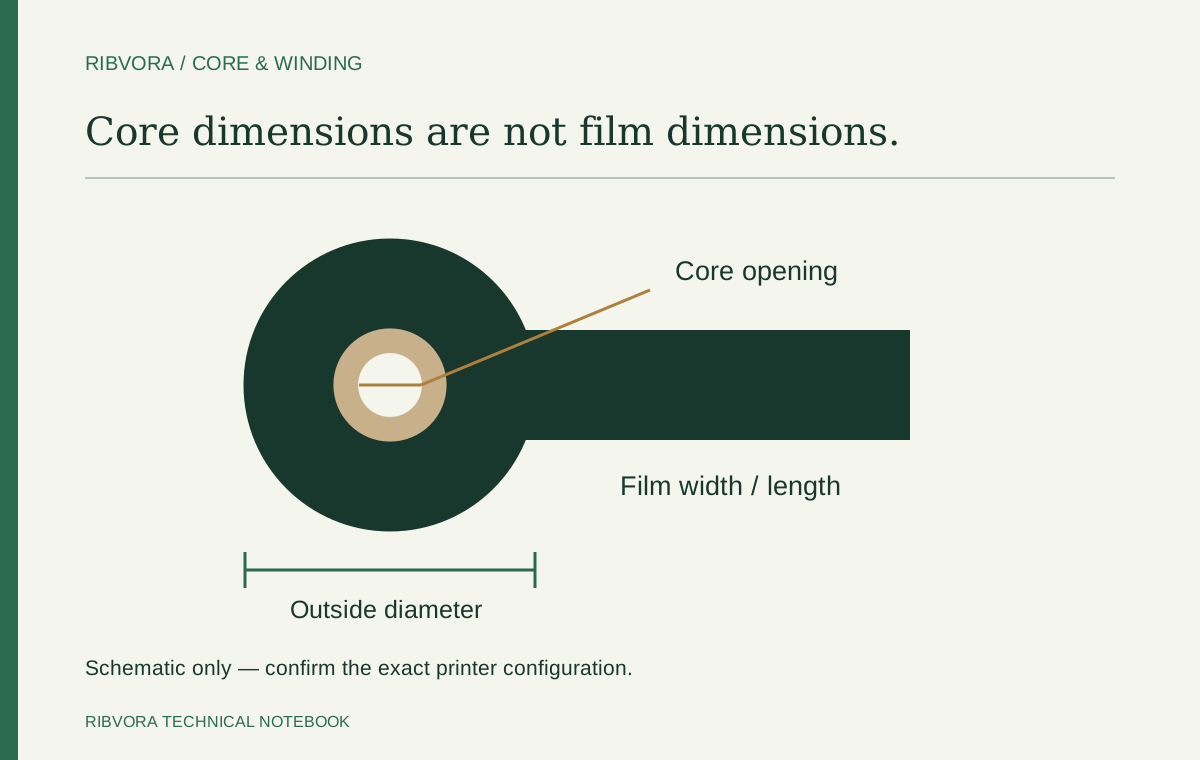
Keep film width and length distinct from core inside diameter, core length and outside roll diameter. Record units. A photograph can guide the review but is not a reliable replacement for all measurements.
Write the winding direction in full
Use ink side in or ink side out as specified for the printer. Abbreviations vary across supplier documents. Do not alter the loading route to force a roll to work.
Identify the exact printable stock
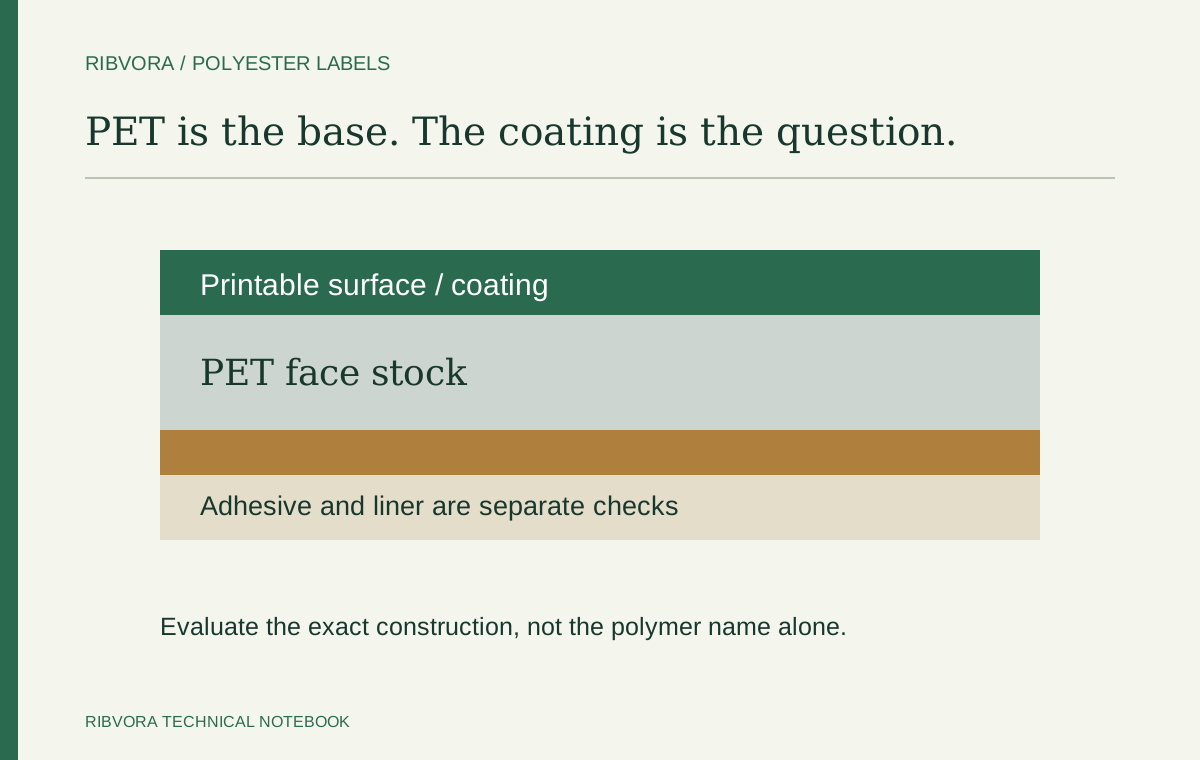
PET, PP and paper are broad groups. A supplier stock reference and coating help narrow the trial. If the material is unknown, say so and retain the roll identification.
Describe the conditions after printing
List handling, cleaning, temperature or other relevant exposure with the actual process details. An undefined word such as durable does not provide an acceptance test.
Keep volume and destination useful
Give quantity by configuration and a realistic estimate of recurring use if known. Add the delivery destination when sending the brief. Price, availability and timing depend on the reviewed offer.
Use the brief without guessing
Unknown fields remain to be confirmed. Download the brief for your own record or choose Send for review to place it in the contact form. It is not sent as an enquiry until that separate form is submitted.
Move from a brief to an approved reference
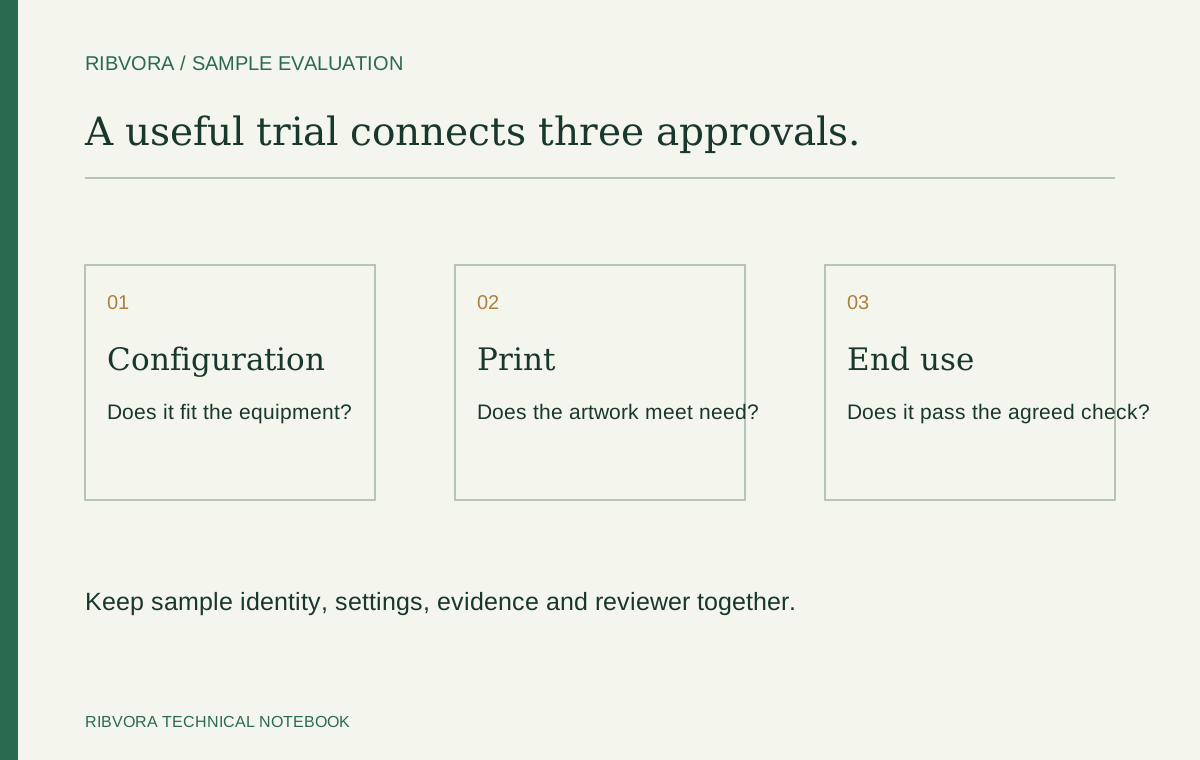
Confirm the configuration, agree the sample checks and retain the result with the candidate identity. Only the assessed combination and scope belong in the approval record.