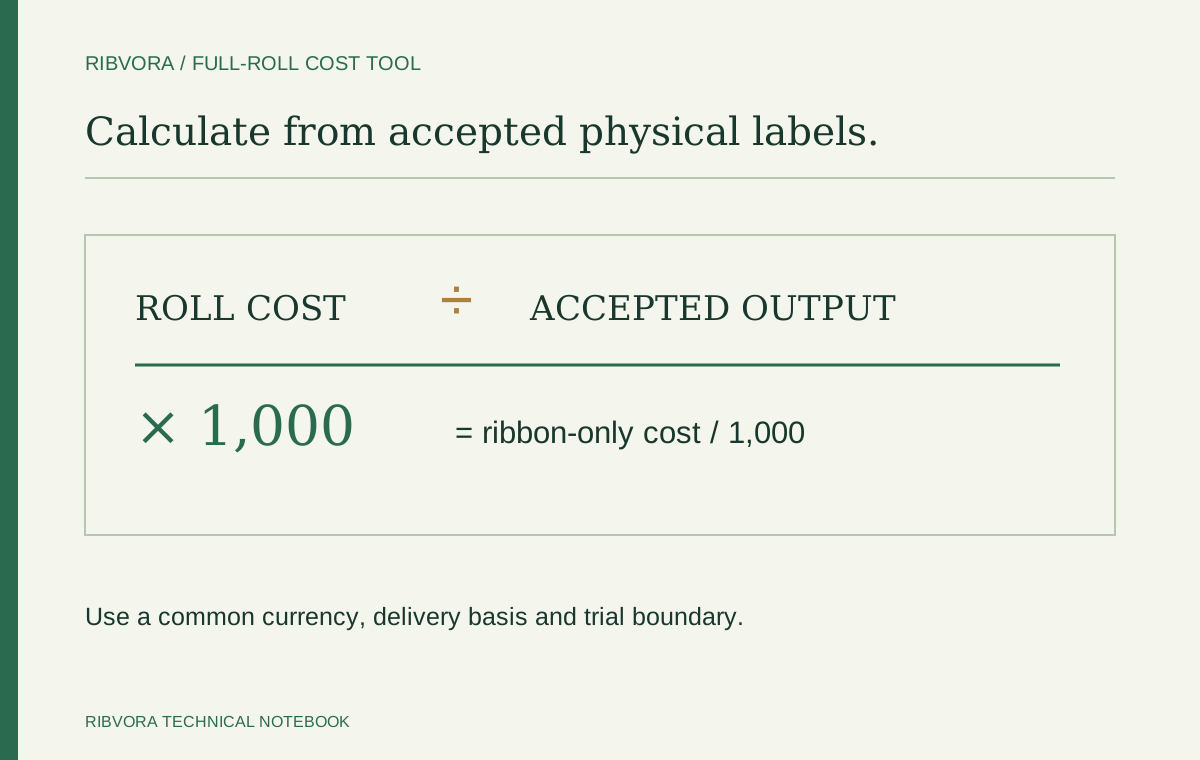
For a complete-roll trial, ribbon cost per 1,000 accepted labels = roll cost ÷ accepted labels from that roll × 1,000. Use the same currency and delivery basis, and compare candidates that meet the same application requirements.
Set the same measurement boundary
Enter the full cost of the ribbon roll and the accepted physical labels produced while consuming that roll. Include setup loss and rejects within the same boundary for both candidates. Count each accepted label once.
For a partial-roll test, this full-roll calculator is not the right boundary unless you have converted both cost and output to a valid whole-roll measure. Use the detailed cost guide to allocate the ribbon actually consumed.
Separate cost from application approval
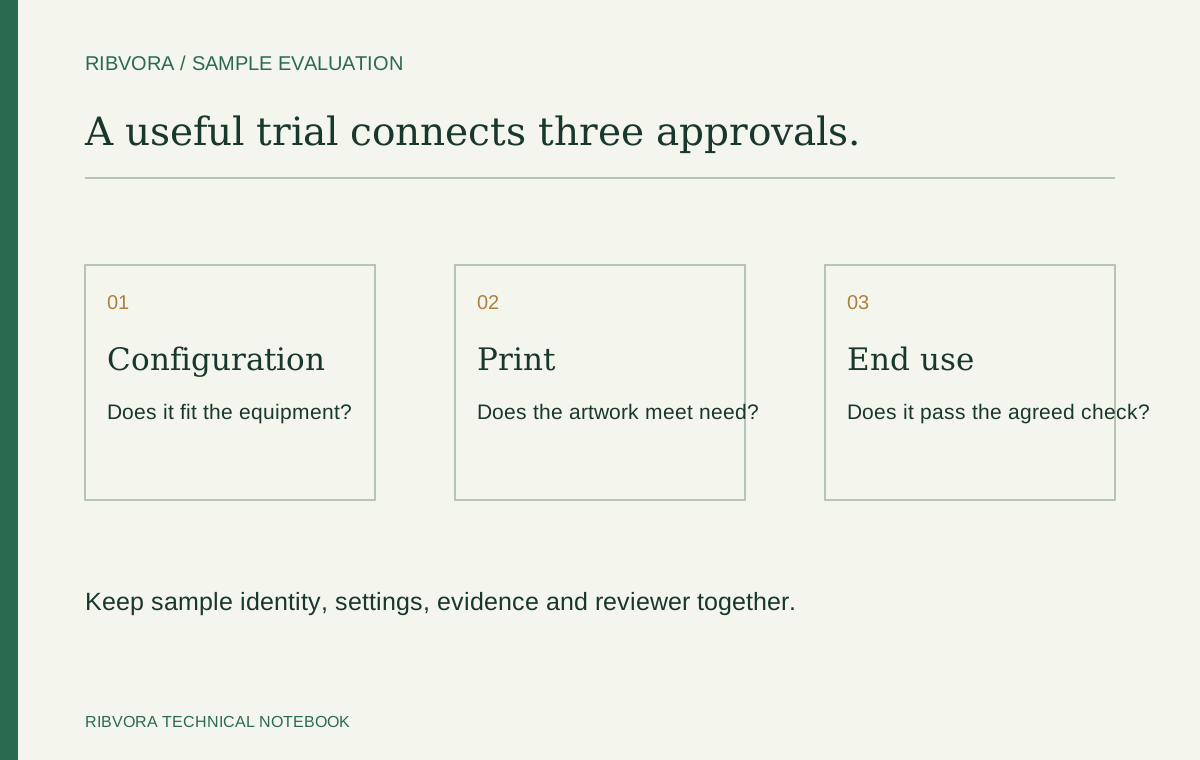
Mechanical fit and print performance come first. Confirm printer technology, dimensions, stock and the required exposure checks for both candidates.
The comparison checkbox records your confirmation; it does not verify it. A mathematical difference does not establish interchangeability, a supply commitment or a performance claim.
What the result includes
The result covers ribbon-only cost per accepted label. It excludes blank labels, labour, downtime, maintenance, testing and other job costs. Include those separately if you have reliable measurements and need a total job-cost comparison.
Keep price inputs on the same basis. If one price is delivered and the other excludes freight, correct the inputs before interpreting the difference.
Use the example to check the arithmetic
The optional example uses a roll costing 10 currency units with 4,000 accepted labels and a roll costing 14 units with 7,000 accepted labels. Their ribbon-only costs are 2.50 and 2.00 per 1,000 accepted labels respectively.
Those numbers are illustrative. They are not RIBVORA prices, product yields or test results. Replace them with your measured data.
Take a measured comparison into the enquiry
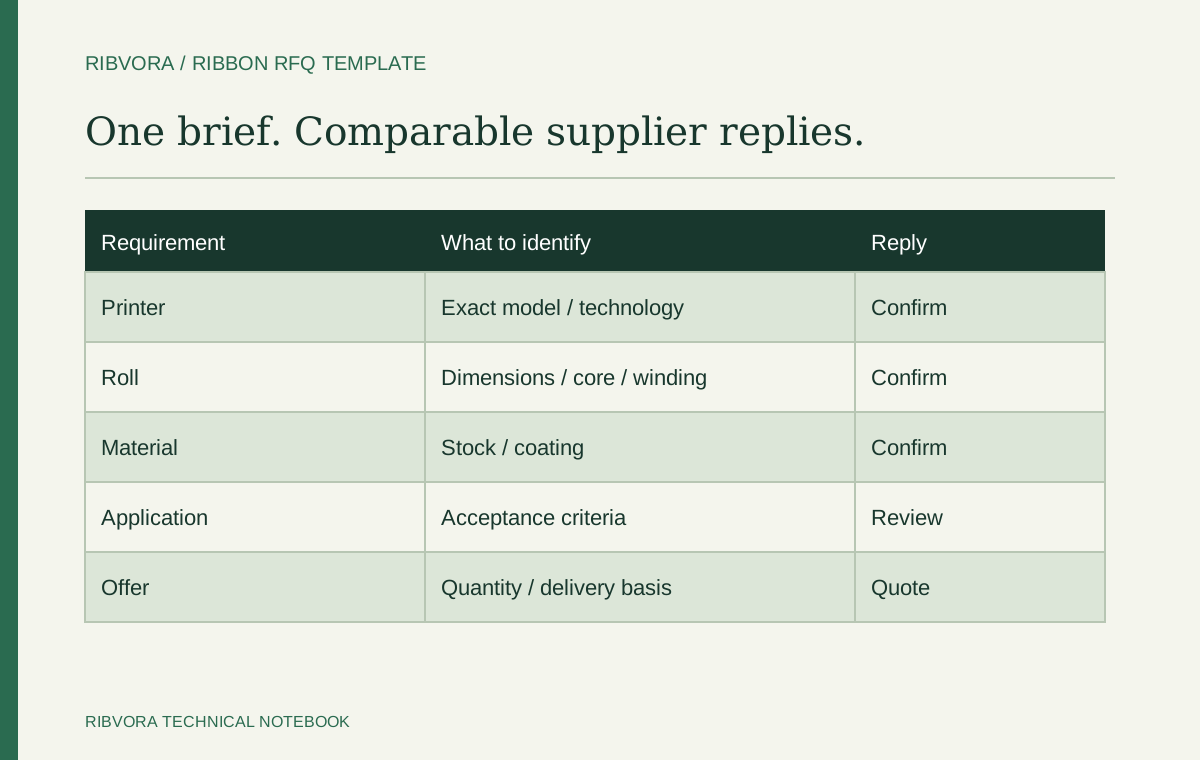
Include the printer model, exact label stock, approved configuration and what your output measurement includes. If the accepted count is only an estimate, label it as an estimate.
The tool can prepare a comparison brief for your enquiry. No calculator input is sent to RIBVORA until you choose to submit the contact form.
Use a denominator you can audit
Accepted output should be traceable to the trial record. Reconcile an equipment counter with rejected and reprinted labels. A counter display is not automatically the accepted physical-label count.
Keep estimates visibly separate from measurements
A forecast based on expected yield can support planning, but it is not a measured saving. Mark estimated inputs and replace them with trial results before relying on a production cost decision.
Keep currencies and delivery scope aligned
Convert quotations to one consistent currency using your agreed comparison basis. Resolve whether freight, taxes or other charges belong in the entered roll cost. The calculator does not retrieve exchange rates or fill missing charges.
Recheck a result driven by very small samples
Setup loss can dominate a short trial. Use a trial boundary relevant to the intended decision and document it. Do not project a brief successful print into a whole-roll accepted count without evidence.
Separate recurring cost from a one-off expense
Packaging setup or a sample charge may be paid once, while ribbon cost recurs. Keep those terms visible in the purchasing comparison rather than silently spreading them across an assumed future volume.
Use the result to ask a better question
A useful supplier discussion asks why accepted output differs under the agreed conditions and what the next controlled test should measure. It does not ask a supplier to guarantee a saving based on someone else’s example.
Keep the comparison with its approval scope
Retain the stock, printer, candidate references, counting boundary and acceptance criteria beside the numbers. If one of those changes, review the comparison before applying the old result to a new order.
Common questions
Should I enter all printed labels or only accepted ones?
Enter accepted physical labels produced from the full roll. Exclude rejects, and count an accepted replacement only once. Use a consistent counting method for both trials.
Does a lower result mean I should change ribbon?
Only consider a switch after confirming suitability and the wider operational and commercial requirements. The calculator reports ribbon-only arithmetic.
Does the tool fetch prices or store my inputs?
No. You supply the inputs. Calculation takes place in your browser; the example contains fictional figures.
Further reading & sources
These sources support general technical guidance. Product approval requires evidence for the exact formulation and application.