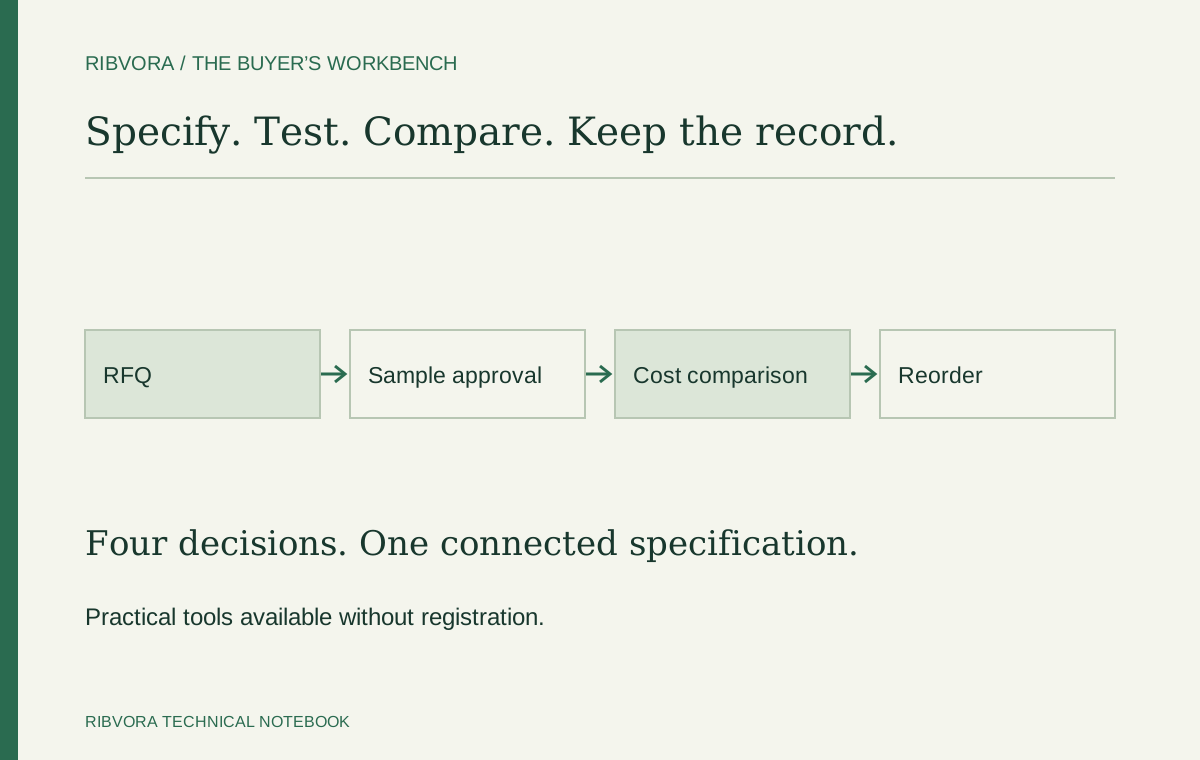
Use one specification for every supplier, approve the actual ribbon-and-label combination, then compare cost using accepted output. These tools keep those three decisions connected without treating a low quote as proof of suitability.
When you need a replacement quotation
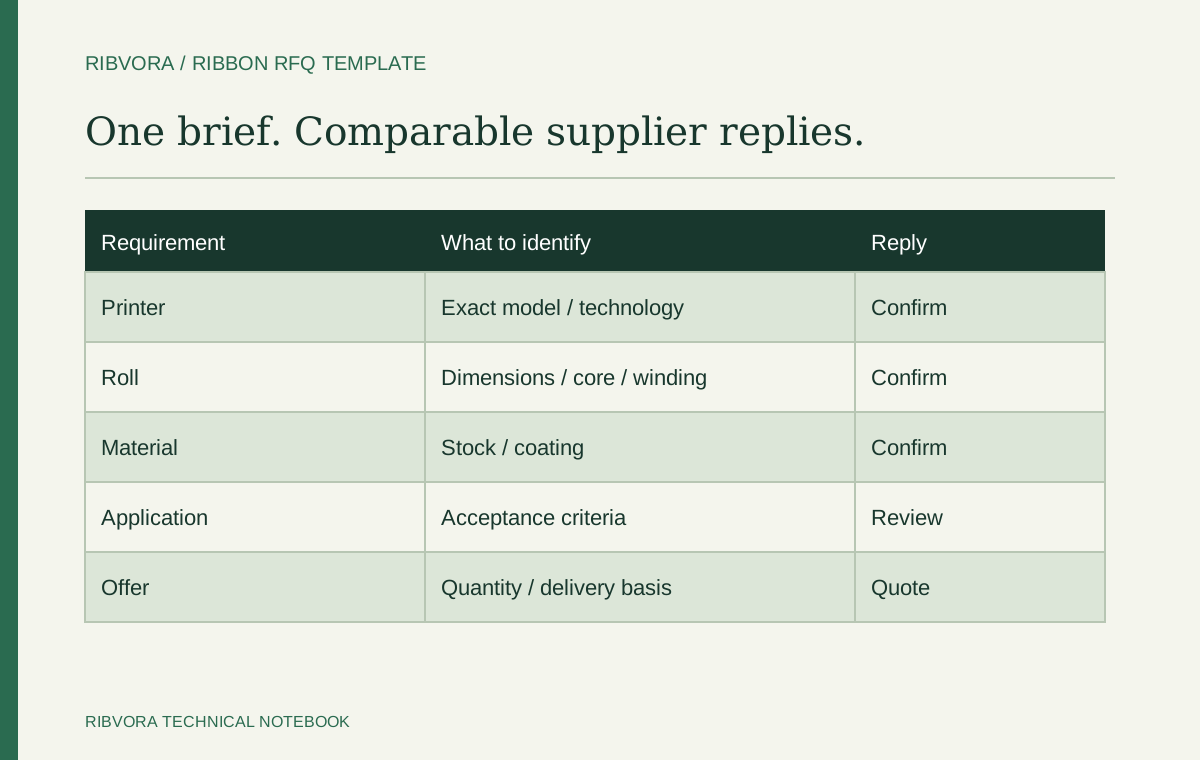
An old roll label is useful, but width and length alone leave too much unresolved. Capture the printer, formulation, core, winding and exact label stock. Add the destination, order quantity and quotation basis so suppliers price the same requirement.
Use the RFQ template when you already know enough to ask for an offer. If the configuration is still unclear, begin with the specification finder and mark unknowns rather than guessing.
When a promising sample arrives
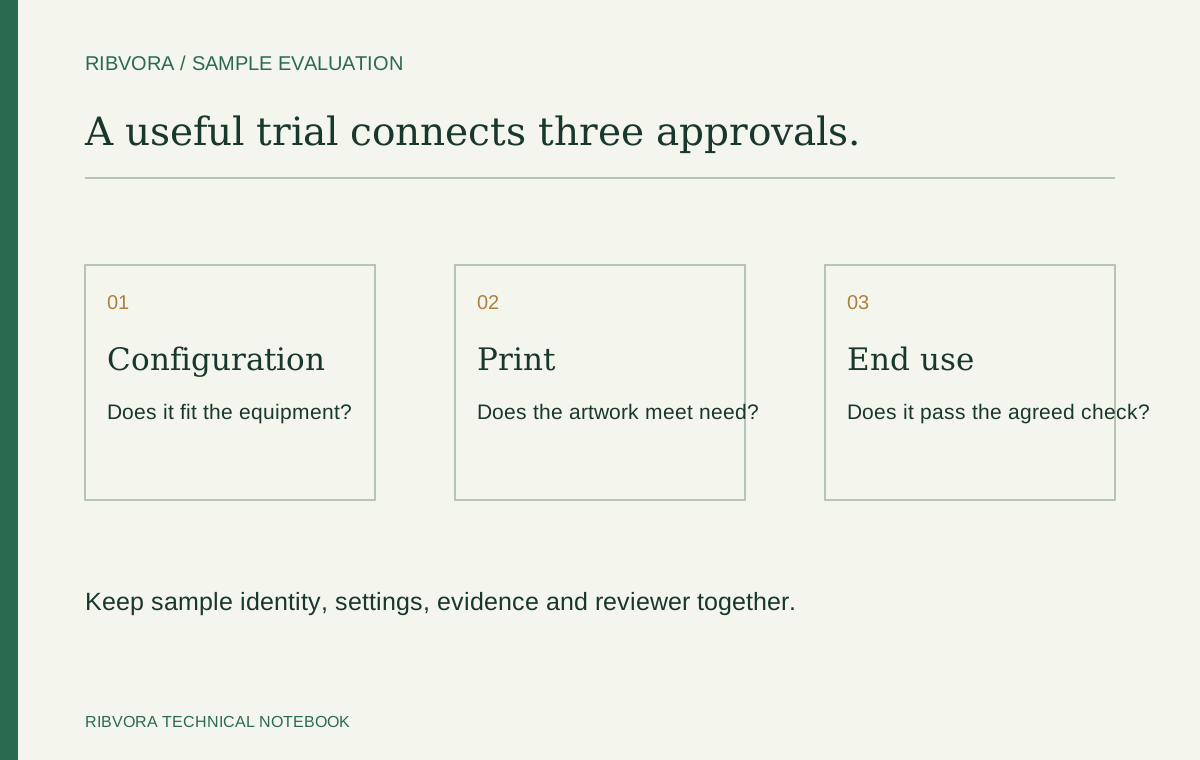
Check the sample identity before printing. Record the actual stock and settings, and define how the label will be used after printing. Keep the acceptance decision with the tested combination.
The sample worksheet provides space for observations and unresolved conditions. It does not set a universal barcode grade, chemical test or certification requirement. Those depend on your application.
When two prices look difficult to compare
Use the same currency and delivery basis. For full-roll trials, divide the cost of each roll by the number of accepted labels produced from it. Count setup loss and rejects consistently.
The calculator compares ribbon-only cost. It does not turn unapproved candidates into suitable alternatives, and it does not estimate labour, label waste or downtime without your measurements.
Keep the decision useful for the next order
Save the supplier’s quoted reference, approved formulation, complete roll configuration, stock reference and test record together. Ask for written confirmation before a proposed change enters a repeat order.
| Decision | Record to keep | Next action |
|---|---|---|
| Quotation | Complete specification and common delivery basis | Resolve exclusions and unknowns |
| Sample | Tested combination, observations and acceptance criteria | Approve, reject or request a defined retest |
| Reorder | Approved reference and revision | Check for material or configuration changes |
Choose one buying decision per brief
State whether the goal is a like-for-like replacement, a defined performance change or an additional supply option. Each goal needs a different comparison. A lower roll price is not enough to define the technical requirement.
Resolve unknowns in the right order
Confirm the print method, printer requirements and exact stock before narrowing the candidate formulation. Keep packaging and delivery terms with the commercial offer. Mark a missing dimension rather than inventing it.
Use an enquiry with a clear evidence boundary
Identify which details came from an approved reference, which were measured and which still need confirmation. This helps the supplier answer the unresolved question instead of repeating a generic catalogue description.
Review quotation deviations line by line
A proposed alternative can change formulation, length, core, winding or delivery scope. Ask for an explicit list of differences. Resolve relevant differences before using the quote as a replacement price.
Treat sample approval as a documented decision
Keep sample identity, production stock and the agreed checks together. Record conditions or excluded uses. An unqualified “sample OK” email may not identify what the next order is supposed to reproduce.
Avoid counting the same benefit twice
If ribbon-only cost is calculated from accepted output, rejects already affect the denominator. When adding label waste or labour, define those separate costs carefully so the same loss is not charged twice.
Link stock planning to the exact product guidance
Compare expected consumption with the remaining recommended use period and the storage conditions you can maintain. A bulk discount may not suit a slow-moving configuration. Obtain product-specific dates and instructions.
Keep a controlled reorder reference
Use one reference connecting the accepted ribbon, label stock, mechanical setup and approval scope. Make substitutions visible before purchase. That record is more useful than relying on the colour of a box or an abbreviated item description.
Common questions
Do I need an account to use the tools?
No. Templates and the calculator are available without registration. Calculator inputs stay in your browser unless you choose to include the results in an enquiry.
Can the tools confirm compatibility?
No. Confirm mechanical requirements against the exact printer documentation and evaluate the proposed formulation on your actual stock.
Further reading & sources
These sources support general technical guidance. Product approval requires evidence for the exact formulation and application.