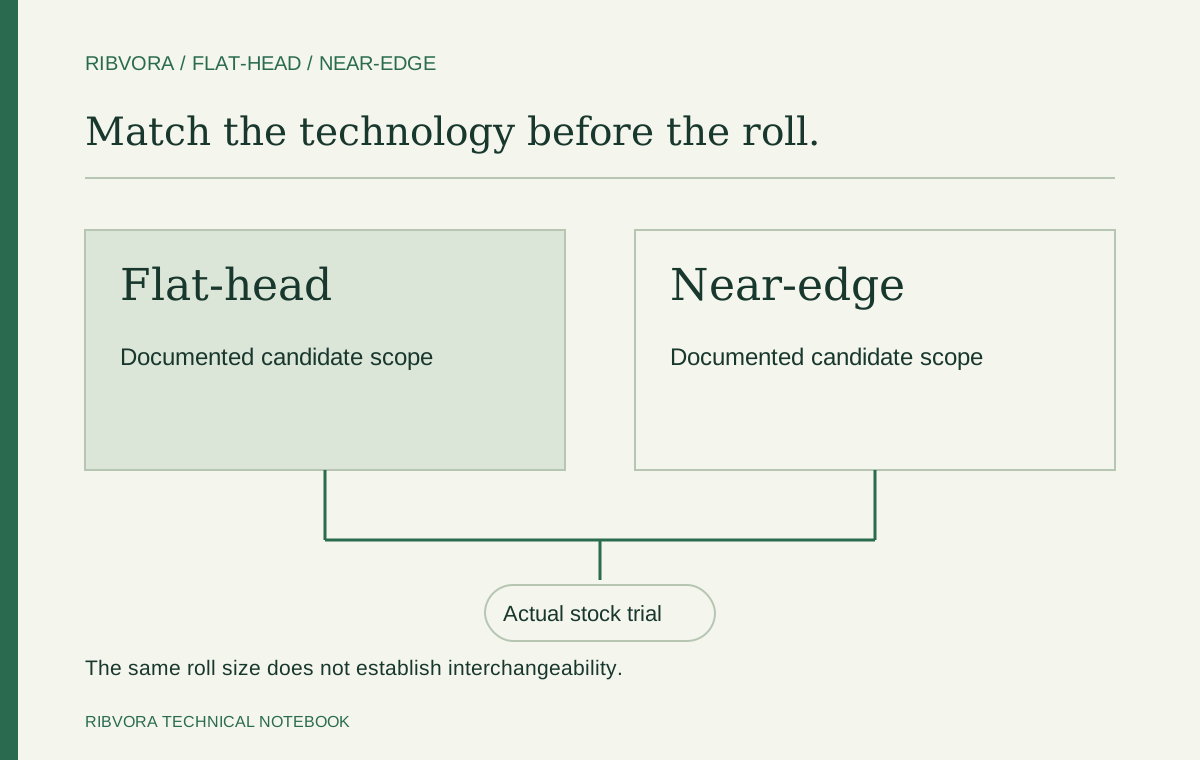
Do not assume flat-head and near-edge resin ribbons are interchangeable. Confirm the exact printer technology and the candidate formulation’s documented scope, then check roll configuration and test on the intended material. Some specific formulations support both technologies; that does not make every resin ribbon a substitute.
The missing line in a replacement-ribbon request
A buyer asks for black resin ribbon in the same width and length as the current roll. A supplier offers a matching size at a lower price. Before comparing the quotations, ask one more question: which printhead technology is the proposed formulation intended for?
Flat-head and near-edge identify printer technologies; resin identifies an ink category. They answer different questions. ARMOR-IIMAK’s technical FAQ separates these technologies and their ribbon families, then lists further model-specific requirements. DNP also filters its range by printer type as well as material and application.
For procurement, treat printer technology as a required field beside formulation reference. A quote that says only “resin” leaves too much unresolved for a substitution decision. This guide concerns ribbon-based thermal transfer printing, not direct thermal printing without a ribbon.
Compare the evidence, not the category name
Start with the equipment manual or an authoritative specification for the exact model. Do not infer the technology from the printer brand, the roll dimensions or the fact that the current ribbon produces a black image.
Then read the candidate ribbon’s current datasheet. The useful entry is its intended printer technology and application scope. A distributor’s broad description such as “industrial resin” is not a replacement for a named formulation and documented recommendation.
| Decision | Flat-head setup | Near-edge setup |
|---|---|---|
| Identify the equipment | Confirm the exact model uses flat-head technology | Confirm the exact model uses near-edge technology |
| Select a formulation | Check documented flat-head suitability | Check documented near-edge suitability |
| Check a dual-technology claim | Verify that it belongs to this exact formulation | Verify that it covers the intended equipment and use |
| Confirm the physical roll | Check the model’s required dimensions, core and winding | Check the model’s required dimensions, core and winding |
| Approve the application | Evaluate the actual label stock and production requirements | Evaluate the actual label or packaging stock and production requirements |
“Never interchangeable” is also too broad
There are documented exceptions to a simple either/or rule. DNP identifies R390 as a near-edge resin, while its R395 textile resin page explicitly lists printing on both flat-head and near-edge equipment. These are manufacturer examples of different product scopes, not RIBVORA product offers or equivalence claims.
The distinction matters when a supplier proposes one formulation for several machines. Ask for the exact reference and its supporting documentation. If both technologies are listed, continue with the model, roll and application checks. If the scope is unclear, obtain written clarification before treating the candidate as suitable.
A formulation described for both technologies still needs evaluation on the material you will print. A textile application example does not establish performance on your PET equipment label, and it does not prove that an unrelated supplier’s resin has the same capability.
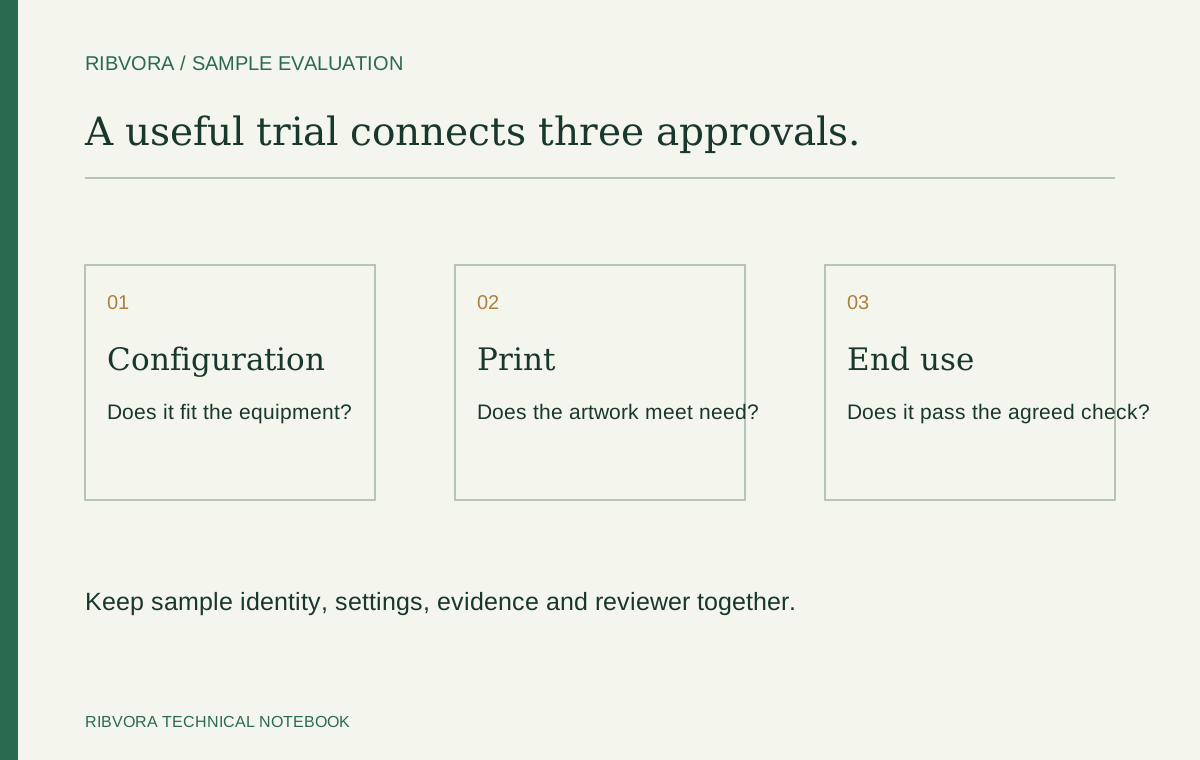
Use three approval gates before placing the replacement order
Gate 1 — Technology: identify the printer and obtain documented support for the proposed formulation. If the reference is missing, keep the request open rather than turning an assumption into an approved purchase specification.
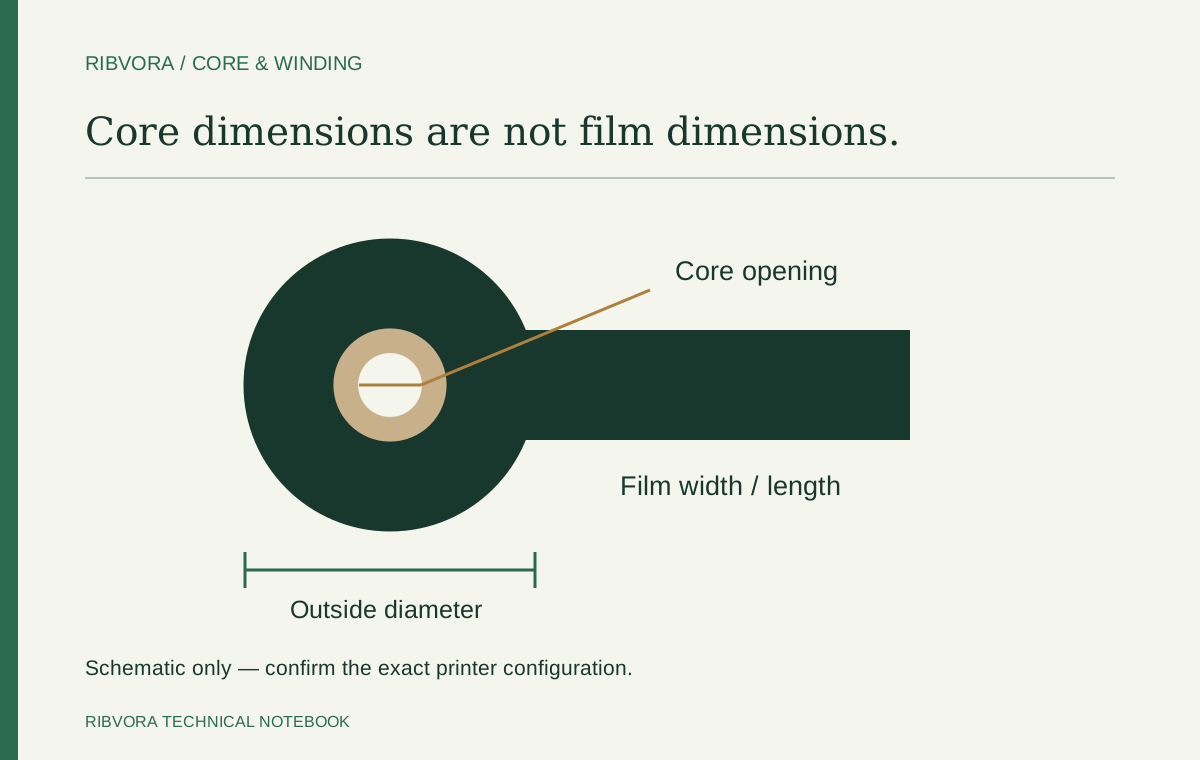
Gate 2 — Configuration: compare the complete roll requirements with the printer manual and current approved reference. Width and length alone do not settle core details, winding or the available roll space. Our core-and-winding guide covers this separate mechanical check.
Gate 3 — Application: evaluate the candidate on the intended stock, using the required artwork and an appropriate recorded setup. Define what the printed information must survive. Passing a fit check does not pass a durability requirement; passing a short print trial does not establish every end-use claim.
| Evidence available | Purchasing action |
|---|---|
| Only matching width and length | Request printer technology and exact formulation reference |
| Correct technology, incomplete roll details | Resolve the mechanical specification before ordering |
| Both technologies explicitly supported | Check the particular model, roll configuration and material |
| Clear print, no exposure evaluation | Keep relevant durability requirements unapproved |
| All three gates documented | Retain the approved reference and trial record for reorders |
Test a substitution without changing everything at once
Keep the current approved ribbon as a reference where available. Use the same printer, actual stock and artwork to compare the candidate. Record the formulation, roll configuration, speed and energy settings for each run. Suitable settings can differ; identical numbers do not automatically make a fair comparison.
Check small text, fine features and the actual barcode requirement, then carry out the agreed handling or exposure checks. If the project requires a barcode grade, include the agreed verification method rather than relying only on one successful scan.
If the candidate transfers poorly, revisit the documented technology and material scope before repeatedly increasing heat. A setting change is not evidence that an undocumented formulation has become a suitable substitute. Follow the equipment instructions and stop a trial that produces repeated ribbon damage or printer faults.
Make the handover usable for a mixed printer fleet
For a converter or distributor serving several machines, use a separate approval row for each printer-and-material combination. One successful trial should not silently approve the rest of the fleet. This is especially useful when different teams order rolls with similar packaging or dimensions.
Keep the formulation reference visible on the internal reorder record, alongside the printer, stock and approved settings. If a supplier changes the proposed reference, reopen the relevant checks. A purchasing description that has been shortened to “black resin, same size” loses the evidence that supported the original decision.
| Approval record | Detail to retain |
|---|---|
| Equipment | Manufacturer, exact model, resolution and confirmed technology |
| Material | Supplier reference and surface or coating description |
| Ribbon | Exact formulation and full roll configuration |
| Documentation | Datasheet revision or date and any written scope clarification |
| Trial | Artwork, settings, acceptance requirements and results |
| Release | Approved combination and unresolved limitations |
What to send when the technology is unknown
Start with a clear printer-nameplate photo and the current ribbon label or packaging reference. Add the label material if known. It is fine to leave the technology field marked “not confirmed”; an explicit unknown is more useful than a guess.
Send those details through the RIBVORA enquiry page to begin a specification review. Final candidate suitability requires the relevant documentation and application evaluation. Sample availability and commercial terms are confirmed separately.
Use the exact equipment identity
Record the full model and relevant configuration from the printer documentation. A brand may sell different printing technologies. Do not infer the required formulation solely from the logo on the housing.
Ask for the candidate’s documented technology scope
Request the specific formulation reference and intended printhead technology. Some named products may support more than one technology, but that scope belongs to that product. Do not extend it to every ribbon in the same category.
Run the mechanical check separately
Even an appropriate formulation must meet width, length, core, winding and roll-limit requirements. An answer about printhead technology does not resolve the rest of the roll configuration.
Use a controlled trial after narrowing the candidate
Print on the intended stock and record suitable settings following the equipment and consumable guidance. Compare the same artwork and end-use acceptance conditions. Do not attempt to force an undocumented substitute by raising heat.
Save the technology decision with the reorder reference
Keep the printer, formulation scope and tested material together. Review a model or stock change before repeating the approval. This preserves the reason behind the original selection rather than just its roll dimensions.
Common questions
Can I use a flat-head resin ribbon in a near-edge printer if the roll fits?
Fit alone is insufficient. Check the exact formulation’s documented near-edge scope, the printer’s roll requirements and performance on your intended stock before approving a substitution.
Are all ribbons for both technologies unsuitable?
No. Some manufacturers document support for both technologies for specific formulations. Verify the named product and intended application; do not extend that claim to every resin ribbon.
Does ink side in or ink side out identify the printhead technology?
Do not use winding as a shortcut for identifying technology. Confirm the technology from the exact printer documentation, and confirm winding as a separate model-specific requirement.
What if the current ribbon reference cannot be identified?
Provide the exact printer model, available roll photos and material reference. Establish a documented candidate and evaluation plan instead of claiming an unverified equivalent.
Further reading & sources
These sources support general technical guidance. Product approval requires evidence for the exact formulation and application.