A successful scan shows that a particular reader decoded that sample under those conditions. It does not establish a formal barcode quality grade. Before approving a resin ribbon, agree the required barcode specification, verification method and any end-use tests, then retain results for the actual printer, ribbon, label stock and artwork.
Three checks that answer different questions
A ribbon sample can produce a readable barcode while leaving important approval questions unanswered. Did the reader return the intended information? Does the printed symbol meet the required quality criteria? Will the information remain usable after handling or cleaning? Record those outcomes separately.
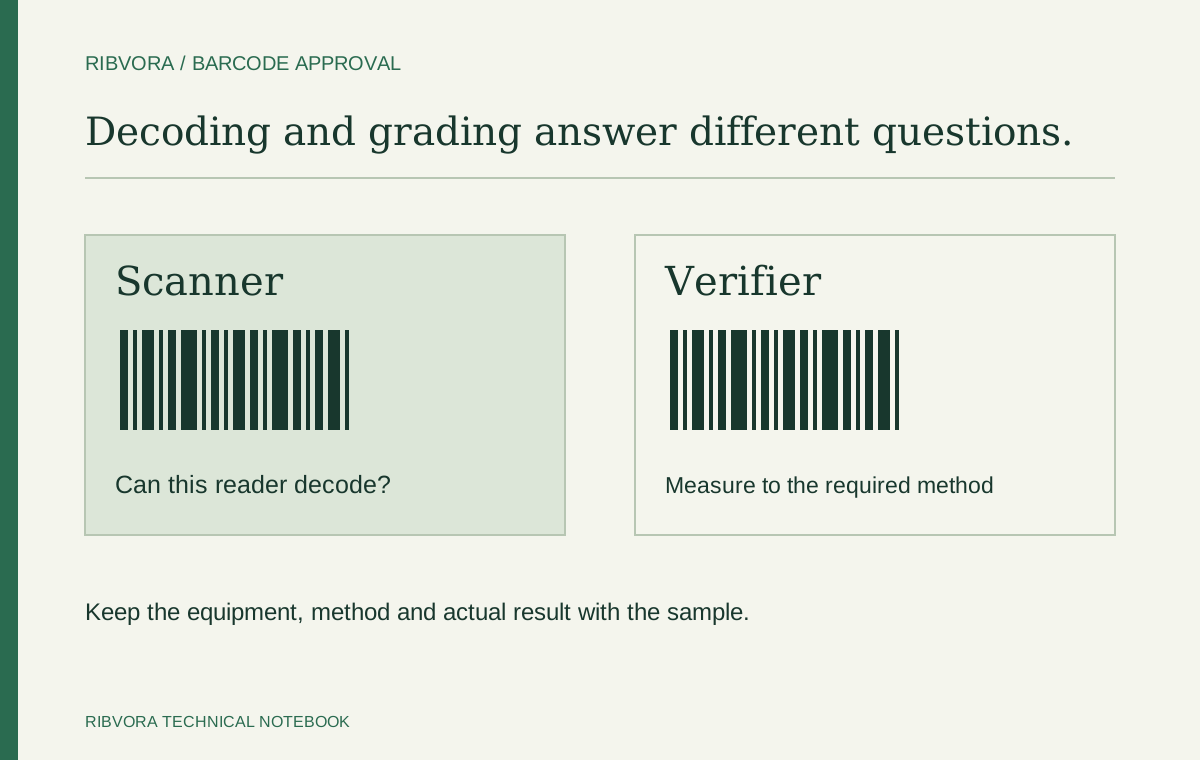
GS1 distinguishes scanning from verification: a scan is a read/no-read check under the test conditions. Zebra’s barcode-quality guidance likewise states that a verifier is needed to confirm whether a printed barcode is within specification. A phone scan or a handheld reader result should not be labelled as a formal quality grade.
| Check | Question it answers | What it does not establish alone |
|---|---|---|
| Operational scan | Can this reader decode this sample in this setup? | A formal print-quality grade or performance on every reader |
| Decoded-data check | Is the returned information the information the job requires? | Correct physical print quality |
| Barcode verification | Does the symbol meet the applicable measured criteria? | Resistance to every future exposure |
| Defined exposure evaluation | Does the print meet the agreed requirement after this exposure? | Suitability for different materials or untested conditions |
Ask for the acceptance requirement before requesting samples
Ask the customer or quality team for the actual barcode specification. “Must scan” and “must achieve a specified verification grade” are different instructions. If the requirement is unclear, resolve it before treating a supplier’s demonstration print as approval.
GS1 guidance distinguishes ISO/IEC 15416 for linear barcode print-quality assessment and ISO/IEC 15415 for relevant two-dimensional symbols. The applicable method and acceptance conditions depend on the symbol and application. This article concerns barcodes printed on labels; direct part marking needs its own assessment route.
Do not copy a minimum grade from an unrelated job. Request the applicable specification, required grade and measurement conditions from the party accepting the labels. If you lack suitable equipment, agree who will perform verification and provide the report before approving the production order.
- Barcode type and required encoded information
- Approved artwork, symbol dimensions and placement
- Applicable verification method and minimum acceptance requirement
- Required measurement conditions and reporting details
- When verification is required: initially, after exposure, or both
- Who selects samples, performs the checks and authorizes release
Use the production label and artwork
Print the candidate on the actual intended stock with the production artwork. Record the printer model and resolution, ribbon formulation, label reference, print direction, speed and darkness or energy setting. A good result on a supplier’s demonstration stock does not answer the same question.
Keep an accepted reference sample where one exists. When comparing ribbons, use the same acceptance requirements and document each suitable setup. Do not assume that every formulation needs identical settings, and do not change the label stock midway through the comparison without recording a separate trial.
Agree a sampling plan with the customer or quality team that represents the job. Record where samples came from and retain individual outcomes. A single selected label does not describe how the full run behaved; this guide does not prescribe a universal sample count or statistical release plan.
A darker barcode is not automatically a better barcode
Zebra illustrates how excessive darkness can make printed bars grow and spaces close, while insufficient darkness can leave incomplete features. Both appearance and barcode performance need review. Its guidance recommends the lowest darkness that delivers good print quality and notes that print speed also affects the result.
Use the diagnostic procedure for the exact printer model when establishing a suitable setup. Keep the artwork and stock fixed while investigating one setting at a time, and keep the resulting samples with the settings record.
If the result fails verification, request the parameter-level report rather than only a pass/fail message. Use it with the artwork, equipment condition and material information to plan the next check. Repeatedly increasing energy without identifying the failure is not a reliable sample-approval method.
| Observed result | Useful next check |
|---|---|
| Scans, but reported quality grade fails | Review the verifier report and the customer’s measurement requirements |
| Print looks heavy; small spaces close | Review supported darkness settings and the printed symbol geometry |
| Voids or incomplete features appear | Review loading, maintenance, settings and material matching |
| Returned information is wrong | Check encoded data and artwork revision before blaming the ribbon |
| Only an exposed sample fails | Review the exact exposure and the ribbon-and-stock combination |
Keep durability and barcode quality connected in the record
An initial verification result describes the sample at that assessment stage. If the customer requires the label to survive a cleaning process, handling or another exposure, define that procedure and the required post-exposure checks separately.
Keep an unexposed comparison and identify each exposed sample. Record the named cleaner or other exposure, conditions, method and assessment time where relevant. If a barcode grade is required after exposure, include that measurement in the agreed acceptance plan rather than substituting a photograph or a quick scan.
The useful conclusion is specific: this combination met these criteria under this recorded procedure. Avoid expanding it into a general claim that the resin ribbon is chemical-proof, universally readable or suitable for every label.
Write a release record that purchasing can use again
The following is a practical handover template, not a certification scheme. Connect the report to the tested combination so purchasing can distinguish an approved reorder from a new proposal. Keep open items visible instead of writing “sample passed” without context.
| Record field | Information to keep |
|---|---|
| Job identity | Customer requirement and artwork revision |
| Consumables | Exact ribbon and label references; batch identification where available |
| Equipment | Printer model, resolution, print direction and settings |
| Operational check | Reader used, test conditions and returned-data result |
| Verification | Report reference, method, measurement conditions and individual results |
| Exposure | Procedure and before/after outcomes where required |
| Decision | Approved combination, limitations, open items and responsible approver |
When all you have is a scanner and a sample photo
You can still make progress: record the reader used, the decoded information and any visible defect. Describe this as a preliminary operational check. If formal verification is required, keep that requirement open until an appropriate report is available.
For a RIBVORA specification enquiry, send the printer model, label material and a clear sample photo. Add the customer’s barcode requirement or an existing failure report if available. A photo can help explain the problem; it cannot establish a barcode grade. Sample availability and any proposed evaluation steps require confirmation.
Ask what the customer specification actually requires
Identify the code type, applicable verification method and required acceptance level with the responsible team. Do not invent a passing grade or substitute a supplier’s generic test for the customer’s requirement.
Keep the operating scan as useful but limited evidence
A scan can reveal an operational problem at the intended read point. Record the reader and conditions. The result belongs in the trial record, but it should not be relabeled as a formal verification grade.
Compare before and after the defined exposure
Where the application includes cleaning or handling, retain the initial result and assess the relevant exposed samples. A grade or successful decode before exposure does not establish the condition afterward.
Do not expect ribbon alone to fix the artwork
Code dimensions, quiet zones, data and printer resolution can affect the marking result. Review the design and applicable requirements with the responsible team. A darker ribbon is not a universal repair for an unsuitable layout.
Write an approval record another person can inspect
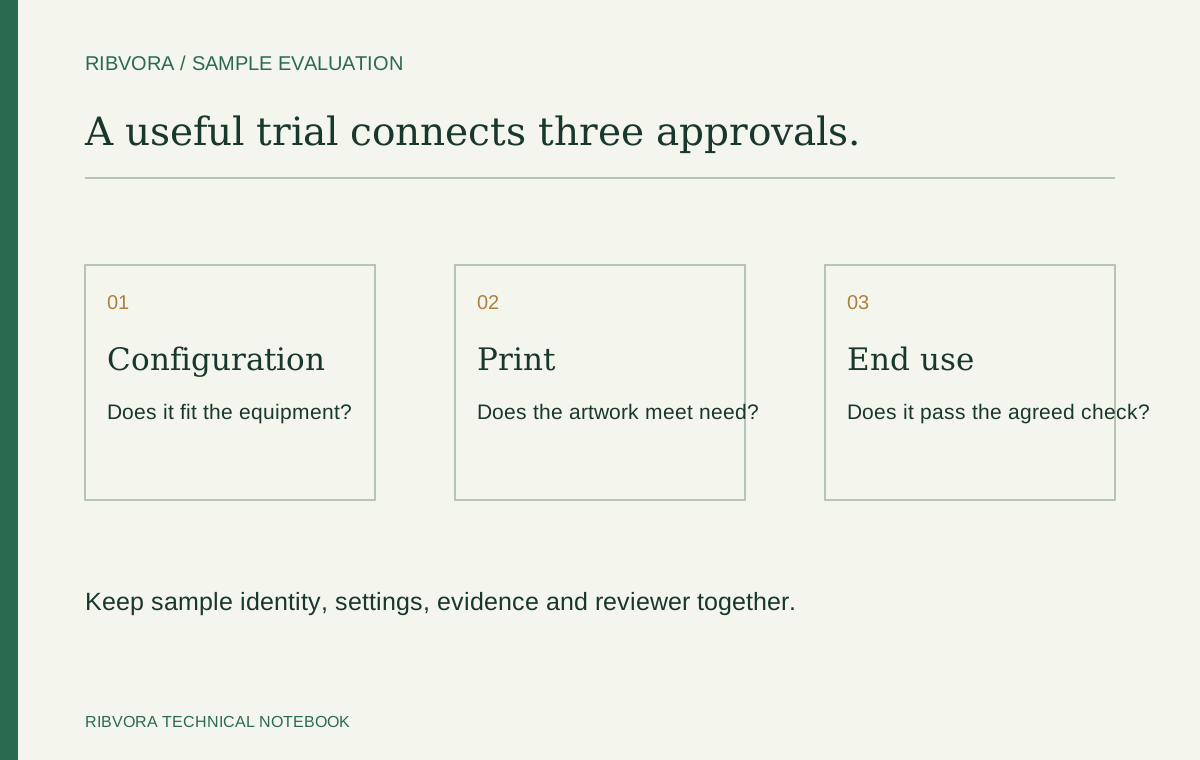
Retain sample identity, stock, settings, artwork revision, method, equipment and actual results. Include any exclusions. The record should state what was evaluated, not merely that the barcode passed.
Common questions
If every sample scans, is the resin ribbon approved?
Only if the agreed acceptance plan is satisfied. Successful scans alone do not establish a formal barcode grade, correct data structure or required durability. Record each applicable check separately.
Can a smartphone replace a barcode verifier?
A phone can provide an operational decode check for supported symbols. It does not provide the formal print-quality verification evidence required by an application specification.
What barcode grade should I request?
Obtain the requirement from the customer’s applicable specification or quality team. There is no single threshold in this guide that approves every barcode type and industrial application.
Does a failed grade prove that the resin ribbon is defective?
No. Review the report with the artwork, stock, printer setup and equipment condition. The record should identify the failed requirement and guide a controlled investigation.
Further reading & sources
These sources support general technical guidance. Product approval requires evidence for the exact formulation and application.