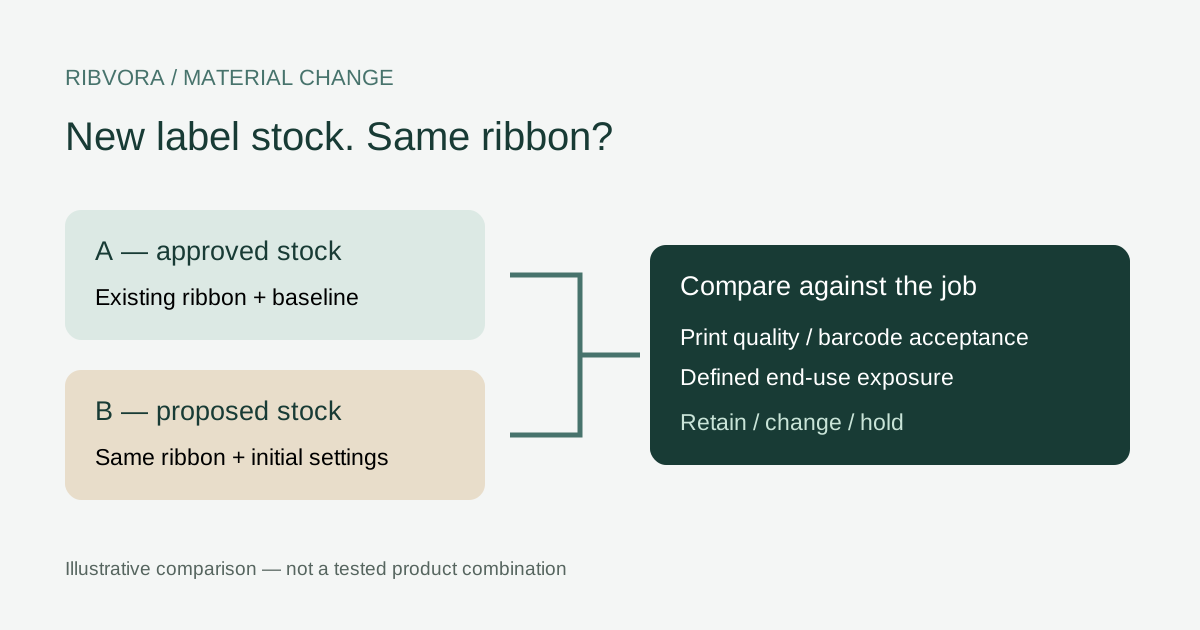
Keep the existing ribbon for a controlled trial, confirm what changed in the label surface, and reapprove the specific combination against the job requirements.
Treat the new stock as a changed combination
Keep the approved ribbon as a candidate, but reopen the label-and-ribbon approval. A stock described as white PET can have a different printable surface even when its dimensions look identical. The purchasing question is whether the existing combination still meets the job, not whether both labels share a polymer name.
This workflow is for a buyer changing thermal-transfer label stock while trying to retain an existing ribbon. It does not approve direct thermal stock, textile printing or an undocumented printer substitution.
Ask the label converter what actually changed
Request the old and new supplier references, specification revisions, surface finish and print-coating information. Ask whether only the liner or adhesive changed, or whether the face stock and printable coating changed too. A written statement of unchanged fields is more useful than “equivalent quality.”
Keep the incoming batch reference. If the converter cannot identify the new printable surface, leave that field unresolved rather than inventing a coating description.
Freeze a working control before adjusting settings
Reserve a little of the approved old label stock and the current ribbon batch. Save the artwork revision and the printer settings from a satisfactory run. Print a control after the normal manufacturer-approved maintenance check.
If the old combination also fails, investigate the printer or process before blaming the replacement label. An uncontrolled comparison cannot isolate a material change.
Use a two-run comparison before adding a second ribbon
Run A uses the old stock and existing ribbon. Run B uses the new stock with that same ribbon and initial approved settings. Keep the printer and artwork the same. This comparison is a practical investigation aid, not a published industry test standard.
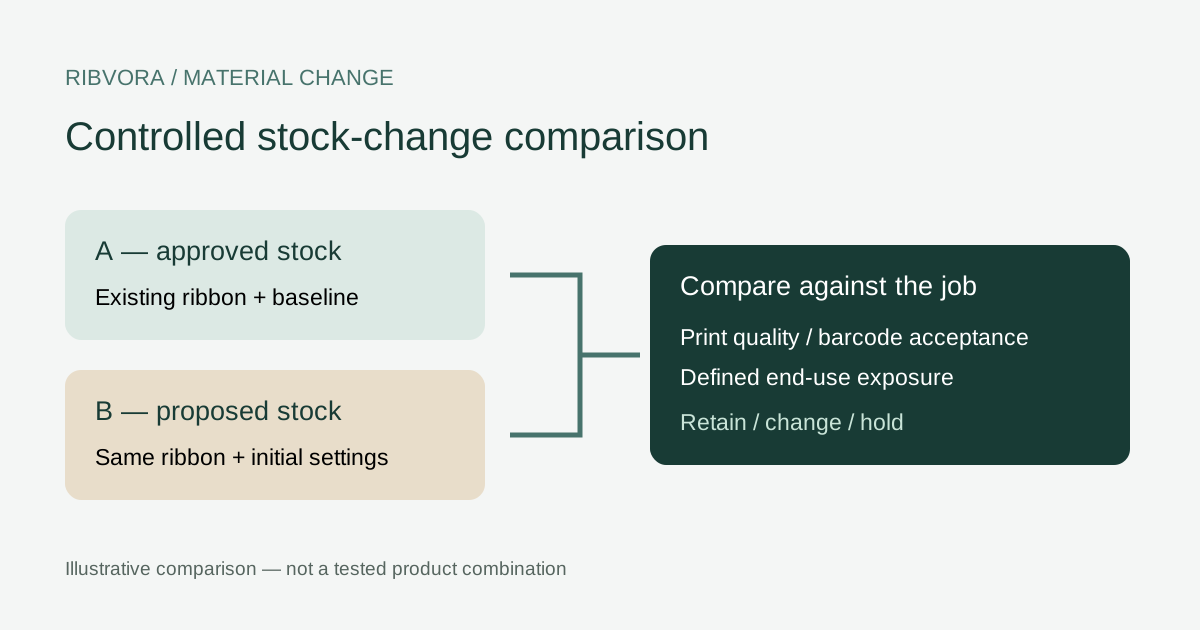
| Run | Label stock | Ribbon | Purpose |
|---|---|---|---|
| A | Approved old reference | Current reference and batch | Confirm working baseline |
| B | Proposed new reference | Same as A | Expose the effect of stock change |
| C, if needed | Proposed new reference | Same as A; documented settings change | Assess a workable setup |
| D, if needed | Proposed new reference | Alternative candidate | Evaluate a different formulation |
Separate transfer quality from label construction
Compare small text, fine lines, filled areas and the intended barcode. Note missing transfer, spreading or smearing with photos under comparable lighting. Record whether the label feeds and tracks correctly as a separate observation.
A feeding issue or changed liner dimension may require its own equipment check. Do not classify every new-stock failure as an ink adhesion problem.
Change one setting within the equipment guidance
ARMOR-IIMAK explains that a changed label surface can be less compatible with the existing ink; settings changes may help, while another ribbon may be needed if they do not. That supports a controlled review, not an automatic instruction to increase heat.
Follow the exact printer and ribbon guidance. Record each change and the resulting output. A setting that makes the label darker but damages small detail or cannot sustain the required operating conditions is not an acceptable shortcut.
Repeat the exposure that matters in service
Once initial printing is acceptable, compare the required end-use checks on both stocks. Name the cleaning agent, handling process or other relevant exposure and use the agreed method. Retain an untouched comparison and exposed samples.
Zebra’s 5095 sheet ties its published durability evaluation to a named label stock and method and calls for end-application pre-testing. Those named-product results do not establish performance for another stock or a RIBVORA combination.
Keep barcode acceptance separate from a successful scan
Use the customer’s agreed barcode acceptance requirements. An operational scan is useful evidence, but is not automatically a formal verification grade. Record the method and result without inventing a passing threshold.
Where verification is required, retain the report and its measurement conditions. If acceptance criteria are not yet defined, the trial can identify differences but cannot establish final approval.
Decide whether to retain, change or hold
Retain the current ribbon only when the new combination meets the defined print, operating and end-use requirements. Test another formulation when the documented setup cannot meet those requirements. Hold the change when stock identity or acceptance evidence is missing.
| Observation | Next decision |
|---|---|
| Old stock passes; new stock fails | Investigate changed surface and controlled setup |
| Both stocks fail | Resolve baseline or printer issue first |
| New stock passes initial print only | Complete required end-use and barcode checks |
| New combination passes agreed checks | Approve that specific combination and scope |
Record exceptions instead of hiding them
An approval may cover one label reference, printer and operating range while excluding another application. State those limits in the release record. Do not let a successful indoor identification trial become a general chemical-resistance claim.
For a phased change, identify which orders use each stock and keep mixed inventory distinguishable. Make the owner of the release decision explicit.
Update the reorder record and change notification
Save old and new stock references, ribbon identity, settings, artwork, trial evidence and the person authorizing release. Ask the suppliers to flag future changes to the approved references before treating them as routine replenishment.
Use the downloadable stock-change worksheet below to keep the comparison together. It is an editable purchasing record, not a certification or a substitute for a product-specific validation plan.
Start a review with the smallest useful brief
Send the exact printer model, old and new label references, current ribbon label and one clear comparison photo. Add the required exposure or the failure you need to resolve. That is enough to identify the next missing piece without claiming compatibility from a photograph.
If the old stock is no longer available, say so. Use retained approved samples and records as limited evidence, and agree what further validation is needed before production release.
Further reading & sources
These sources support general technical guidance. Product approval requires evidence for the exact formulation and application.